
Primary channels: COD Portal (business), 1,000+ Express Centers (cash/card), EasyPaisa/1Link mobile.
No direct website: Consumer gateway unavailable—use branches or business COD system.
First real step: Identify your payment type (personal/business), then use COD portal login or visit nearest Express Center with CN number.
📑Quick Jump To:
TCS Payment Guide: All Methods Explained
When Pakistanis need to pay TCS courier charges, 5 main methods exist: COD Portal for e-commerce businesses, cash/card at 1,000+ Express Centers, EasyPaisa mobile wallet, 1Link bank transfers, and advance payments before booking. Unlike competitors, TCS has no direct consumer website payment gateway—payments flow through their robust branch network and business COD system processing billions yearly.
This complete guide covers every TCS payment method with step-by-step instructions, receipt verification, common issues, and business settlement processes. Whether you’re paying personal shipment charges or settling weekly COD collections, find exactly how to complete TCS payments across Pakistan.
TCS Payment Facts at a Glance
Not to be confused with:
• TCS India (Tata Consultancy Services - IT company)
• TCS Tax (FBR withholding tax)
• TCS automotive (Traction Control System)
• Other TCS acronyms in food/medical contexts.
TCS Payment Methods Pakistan - Complete Overview
TCS offers five primary payment methods for courier charges across Pakistan, each designed for specific user types and transaction volumes. Unlike many competitors with online gateways, TCS prioritizes its nationwide branch network and business COD infrastructure over consumer-facing websites.
For individual customers, cash or card payments at 1,000+ Express Centers remain dominant. E-commerce businesses rely on the TCS COD portal for weekly settlement of customer collections worth billions annually. Mobile wallet users access EasyPaisa and 1Link integrations, while select advance payment options exist for “My Collect” bookings.
This comparison breaks down each method by eligibility, process, fees, and ideal use cases, helping you choose the fastest TCS payment option for your needs.
TCS Payment Methods Comparison (2025)
| Method | Best For | Speed | Locations | Fees |
|---|---|---|---|---|
| COD Portal | E-commerce Businesses | Weekly | Online Portal | 0.5-1% |
| Branch Cash/Card | Individuals | Instant | 1,000+ | None |
| EasyPaisa/1Link | Mobile Users | 5-10 min | App | 1-2% |
| Advance Payment | My Collect | Booking Time | Branches | None |
How to Pay Through TCS COD Portal (Business)
TCS COD portal handles e-commerce collections worth billions PKR yearly, serving Daraz, ShopUp, and local online stores. Businesses pay weekly commissions (0.5-1%) after TCS collects customer payments at delivery. Settlement happens Friday requests with Monday bank crediting.
Access requires COD account activation (NTN + business docs at any Express Center). Login at cod.tcs.com.pk shows pending collections, CN-wise breakdowns, and payout history. Request settlement via dashboard OTP verification.
Step 1: Login with business credentials (phone/email + OTP).
Step 2: View Collections tab (pending/settled CNs).
Step 3: Click Request Payout (Friday cutoff 6 PM).
Step 4: Verify amount + bank details.
Step 5: Receive Monday morning (1-2 days post-request).
Track individual CN payments via consignment dashboard. Disputes resolved within 48 hours with delivery proof.
5-Step COD Portal Payment Process
cod.tcs.com.pk → Phone/Email + OTP
Pending CNs + customer payments listed
Friday before 6 PM (weekly cutoff)
Amount + bank account confirmation
1-2 days post-request (bank transfer)
TCS Branch Payments - Cash & Card Guide
Most individual TCS customers pay at 1,000+ Express Centers using cash or card (Visa/Mastercard accepted nationwide). No online payment gateway exists for consumers—branches provide instant processing and printed receipts linked to your consignment number.
Payment works for shipment charges, advance bookings, COD account top-ups, and duplicate receipts. Visit any TCS Express Center during 10 AM-6 PM hours (Saturday 10 AM-4 PM). Bring your CN number and exact amount (check via rate calculator first).
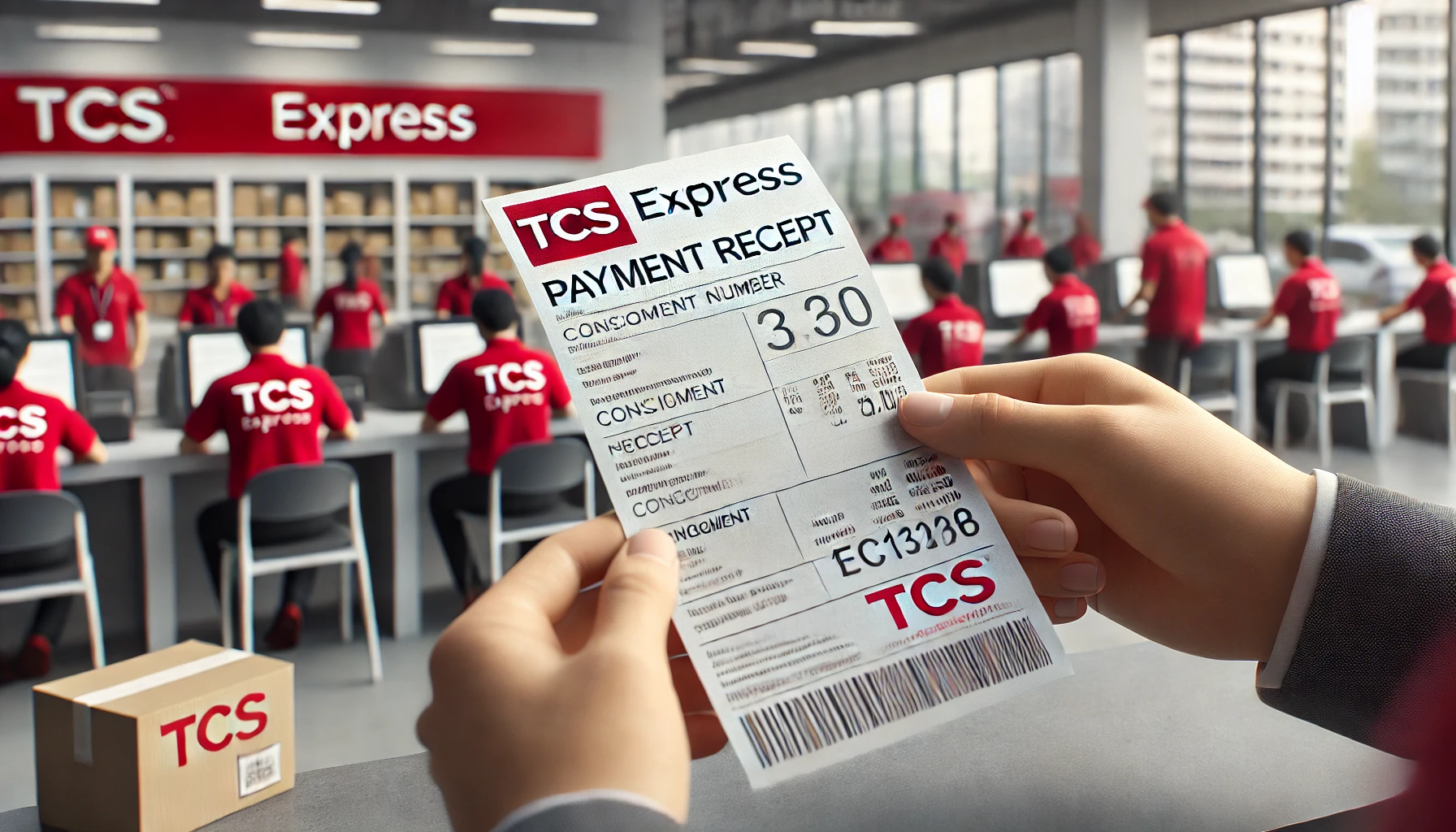
Process takes 2-3 minutes. Staff scan CN, accept payment, print dual-copy receipt (one for you, one for TCS records). Receipt shows payment timestamp, amount, CN reference, and branch details—essential for tracking disputes.
Card payments swipe/PIN (no online banking). Cash change given instantly. Receipts auto-link to TCS tracking system—verify payment status via SMS 021-111-123-456 or website using CN.
Pro tip: Weekday mornings avoid peak queues. Always photograph receipt + CN for records.
TCS Express Center Payments
- 1,000+ Express Centers nationwide
- Best for regular walk‑in customers
- Pay shipment or COD charges on spot
- Swipe + PIN at counter
- No extra service fee
- 2–3 minute processing time
- Printed dual copy for each payment
- Shows CN, amount, date & branch
- Keep a photo for proof of payment
- Search “TCS Express Center” in Maps
- Or call helpline for nearest branch
- Go early morning to avoid queues
EasyPaisa & 1Link TCS Payments (Mobile)
EasyPaisa payments with TCS
TCS now partners with EasyPaisa to let you pay using your mobile wallet instead of cash at the counter in many Express Centers. In 2025, both companies signed digital-collection agreements so TCS outlets can accept Raast QR payments and EasyPaisa-powered internet payments for selected services and ticketing. For a typical parcel or bill, you either scan a Raast QR code displayed at the TCS counter from within the EasyPaisa app, or choose the TCS / 1Bill option inside EasyPaisa and enter the reference number printed on your slip.
Once you confirm the amount and approve the payment in the app, EasyPaisa debits your wallet or linked bank account and sends a confirmation SMS. The TCS agent then prints your receipt with CN number as usual, but marks it as paid via EasyPaisa or QR so you do not have to handle cash. This is ideal if you already use EasyPaisa daily and want a clean digital trail for every TCS payment.
1Link and bank mobile apps
1Link acts as Pakistan’s interbank payment rail, and the State Bank designated it a formal payment system in 2025, so almost every major bank app uses it for bill and invoice payments. When TCS or a TCS partner generates a 1Bill invoice or consumer number for you, you can pay straight from your bank’s mobile app under Bill Payments → 1Bill / Invoice, without visiting any branch. You enter the consumer number, verify that the bill details show TCS as the biller, and approve the transaction with your bank OTP.
After payment, your bank shows a successful 1Link transaction ID while TCS receives the amount in its systems for reconciliation. You should still keep a screenshot of the bank confirmation and ask the TCS agent to print or email a receipt that includes your CN number, so tracking and payment proof stay linked to the same shipment.
TCS Mobile & QR Payments
- Open EasyPaisa app at TCS counter.
- Scan Raast QR or select TCS / 1Bill biller.
- Enter amount or reference number and confirm.
- Show payment SMS and get TCS receipt with CN.
- Open your bank’s mobile app → Bill Payments.
- Select 1Bill / Invoice and choose TCS if listed.
- Enter the consumer or reference number.
- Confirm with OTP and save the transaction ID.
Always ensure the reference or 1Bill number printed on your TCS slip matches the number you see inside EasyPaisa or your bank app before confirming the payment.
TCS Advance Payment Before Booking
Prepaid balance via TCS card
If you regularly use TCS and prefer to pay before booking instead of at every visit, TCS offers a prepaid option through its loyalty card. You load a balance onto the TCS card in advance (usually in cash at an Express Center), and then shipments are charged against that prepaid amount whenever you book. This works like a closed-wallet with TCS—the amount is deducted in real time as the consignment is created, so you do not handle cash or swipe a card for each parcel.
The prepaid balance has validity and load limits, which staff will mention when you sign the prepaid services form. It is best suited for small businesses or frequent shippers who want predictable TCS payment handling and a single recharge instead of multiple small transactions.
Advance deposits for self-collection and special cases
Some online sellers and service providers using TCS for self-collection require a small advance payment from customers (for example, a flat PKR 500 deposit) before parcels are dispatched to a TCS branch. This amount is paid directly to the seller, not at the TCS counter, but it effectively acts as an advance against TCS handling and discourages fake orders. When the parcel reaches your chosen Express Center, you only clear the remaining amount or show proof of advance payment as instructed by the seller.
If you want a more formal prepaid arrangement directly with TCS, discuss a prepaid or float-based account at your local Express Center. They can advise whether your shipment volume justifies a dedicated prepaid setup or if regular COD and branch payments are more practical for your situation.
Pay TCS Before You Book
- Top up at Express Center in cash.
- Booking charges deducted from balance.
- Best for frequent or business shippers.
- Seller may charge a fixed advance (e.g., PKR 500).
- Remaining amount paid on pick‑up.
- Used to reduce fake or no‑show orders.
Prepaid or advance setups make sense only if you ship regularly. For occasional parcels, standard COD plus branch payments are usually simpler and cheaper.
TCS Payment Status & Receipt Verification
Your TCS payment is only useful if it is correctly tied to your consignment number (CN) and visible in the tracking system. Every branch or COD transaction prints a receipt that shows the CN at the top along with the amount paid, date, time, and branch code. That CN is the key reference TCS uses to confirm payment and delivery status in its online tracking tools.
After paying, use the CN on your slip to check status through TCS tracking or the “Track Your Shipment” page. If the payment was for COD, the tracking screen will eventually show “Delivered – COD received” once the rider collects cash from the receiver. For bill payments or services, your receipt acts as proof that TCS accepted funds on a specific date even if the external biller updates their own system later.
If tracking does not recognise your CN, first double-check for digit mistakes, then re-check the printed amount and date on the slip. As a last step, contact the TCS helpline or revisit the booking branch with your original receipt so they can confirm in their system that the payment is attached to the correct CN.
How to Confirm Your TCS Payment
- Locate CN / Tracking No. at top.
- Confirm amount, date, time and branch.
- Make sure CN digits match the parcel label.
- Open TCS tracking or “Track Your Shipment”.
- Enter CN exactly as printed on receipt.
- For COD, look for “Delivered / COD received”.
- Re‑enter CN to rule out typing errors.
- Call TCS helpline and read out CN + receipt details.
- Visit booking branch with original slip for manual verification.
TCS Payment Troubleshooting - 6 Common Fixes
1. COD shows “delivered” but money not received
If tracking shows “Delivered – COD received” but your COD portal or bank has not been credited, wait one full working day for reconciliation. If nothing updates, open a COD payment complaint with TCS using your CN, customer name, and expected COD amount. Ask for a complaint reference number and note the promised resolution window.
2. Branch payment not visible in tracking
Sometimes branch payments take a few hours to sync from the point-of-sale system to online tracking. First, re-check the CN on your receipt and then track again in the evening. If the status still does not show “paid” or “CN found”, call the TCS helpline and read out your CN, receipt number, and branch code so billing can manually attach the payment.
3. Wrong amount or extra charges
If you were charged a higher rate than expected or see extra fuel or tax lines you did not agree to, return to the same branch with your receipt. Ask them to recalculate using the official rate chart and measured weight. If the overcharge is confirmed, request a corrected invoice or refund and log a billing complaint if staff refuse.
h3 4. Double charge on card or wallet
Card and EasyPaisa payments sometimes appear twice when a session times out or you tap twice on “pay”. Check your bank or wallet statement: if you see duplicate TCS entries with the same amount within minutes, report it immediately to both your bank or wallet provider and TCS billing with screenshots. One entry will usually be reversed within a few working days once confirmed as a duplicate.
h3 5. Suspicious SMS or fake payment calls
TCS publicly states that genuine messages only come from short code 8225 and calls from official helpline numbers. If someone asks you to pay TCS charges to a personal account or via random QR link, treat it as fraud. Never share OTP codes or card details over the phone—hang up and call the official TCS helpline yourself to verify.
h3 6. Lost receipt but need proof
If you lose your original receipt, start by checking SMS or email from TCS or your bank for transaction details. Use the CN number from parcel stickers, WhatsApp chats, or previous tracking screenshots. With CN plus approximate date, TCS branches can often reprint or certify payment records, especially if you paid by card or wallet and have a bank statement to match the amount and time.
1COD delivered but money not received🚨
- ⏳ Wait 24 hours after delivery
- 🔄 Refresh portal next morning
- ⏰ After 36 hours with no update
- 📞 Open complaint with CN + amount
2Branch payment not showing online🔍
3Wrong amount or unexpected charges💸
4Card / wallet debited twice💳
5Suspicious SMS or payment call⚠️
6Lost receipt but need proof📄
❓ Frequently Asked Questions
1. What are the main ways to pay TCS charges in Pakistan?
You can pay TCS charges in cash or by card at Express Centers, via COD when a parcel is delivered, through Easypaisa or other 1LINK bill‑payment apps, and in advance through business COD or credit accounts.
2. Does TCS have an online payment gateway on its website?
TCS does not usually offer a direct consumer payment gateway on the public website; most walk‑in customers pay at over 1,000 Express Centers or at delivery, while businesses pay through dedicated portals and bank channels.
3. How do TCS COD portal payments work for online sellers?
Online sellers ship parcels on cash‑on‑delivery, and TCS collects the amount from buyers and settles it in bulk to the merchant’s bank account on a scheduled cycle, typically weekly or several times per month through the COD portal.
4. Can I pay TCS bills through Easypaisa or other apps?
Yes, many TCS invoices can be paid via Easypaisa and other 1LINK‑connected mobile banking and wallet apps by selecting TCS from the billers list and entering the reference or consumer number printed on your slip.
5. What should I check on my TCS payment receipt?
Confirm that the receipt shows the correct consignment number (CN), destination, weight, service type, total charges and payment method; keep this slip or SMS safe because it is needed for tracking and complaint verification.
6. How do I verify that my payment has been applied to the shipment?
Use the CN or tracking number from your receipt on the official TCS tracking page; if payment is posted correctly, the status will show booked or in‑transit instead of unpaid or pending at origin.
7. What can I do if my TCS payment is not showing or looks wrong?
First recheck tracking after a few hours, especially for branch or app payments, then contact TCS support or visit the branch with your receipt so they can reconcile the CN, amount, date and channel used.
8. Are TCS payment receipts important for refunds or claims?
Yes, TCS normally requires the original payment slip or electronic proof together with the CN when you request a refund, dispute a charge, or file a claim, because these documents link your payment to a specific shipment.
Conclusion: Ready to Complete Your TCS Payment?
You now know how TCS payments work at the counter, through COD, via Easypaisa and 1LINK apps, and inside business COD portals.
Choose the method that matches your shipment and always keep your consignment number and receipt so you can verify charges and track your parcel in seconds.
🚀 Ready to Complete Your TCS Payment?
Double‑check your charges, keep your CN receipt safe, and use the shortcuts below to calculate rates, manage COD, or confirm that your parcel is on the way.
1 thought on “TCS Payment Methods: COD Portal, EasyPaisa & Branch 2026”