
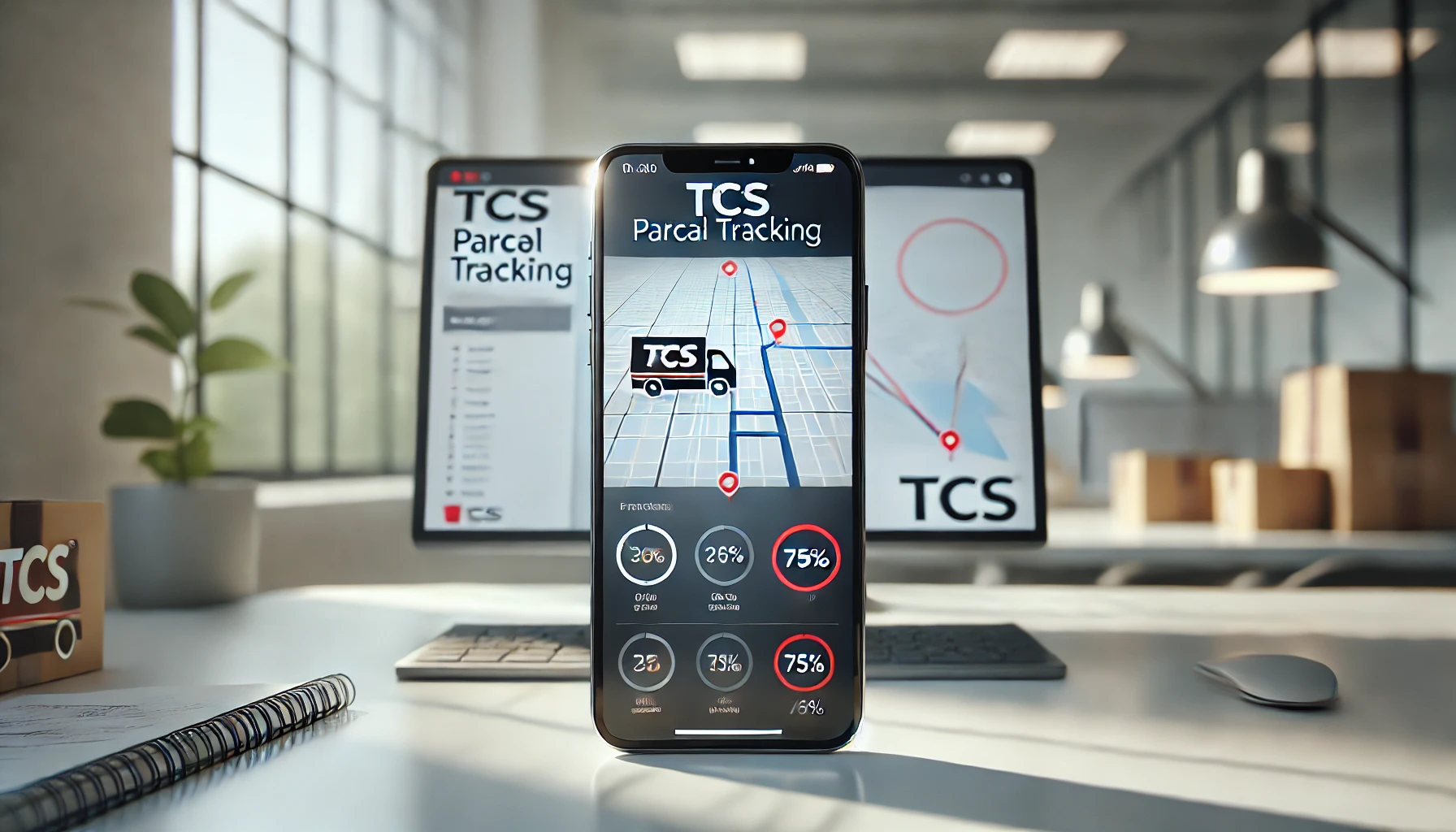
TCS Tracking: Track Your Parcel Online
Track your TCS shipment in real-time using the official TCS tracking system that provides instant updates on parcel location, delivery status, and estimated arrival times across Pakistan. Whether you’re monitoring a domestic courier within Karachi, Lahore, or Islamabad, or checking international cargo clearance, TCS tracking delivers transparent visibility from booking confirmation to final doorstep delivery through multiple convenient tracking methods including CN number lookup, mobile number verification, and automated SMS notifications.
Track Your Shipment
Enter your tracking number to get real-time updates
Please enter a valid tracking number
Track your parcel with TCS Express • Fast & Reliable Delivery Services
How TCS Tracking Works
TCS tracking operates through a centralized database that updates parcel status at every checkpoint from booking through delivery. When you book a shipment at any TCS office, the system generates a unique consignment number (CN) serving as your parcel’s permanent identifier.
The tracking system refreshes every 2-4 hours as parcels move through TCS’s logistics network. Customers can track TCS shipments through the website, mobile app, SMS, or TCS helpline with automatic notifications at key delivery milestones.
TCS Tracking Number Format
TCS tracking numbers follow a standardized 10-12 digit numeric format printed on booking receipts, also called CN numbers or consignment numbers. The number appears at the top of your receipt slip immediately after booking, formatted as a continuous string like 1234567890 or with prefix codes such as CN123456789012 depending on the service type and origin branch location.
To track TCS parcels, enter this exact number without spaces or dashes into the tracking portal, ensuring all digits match your receipt precisely as the system performs strict validation. International shipments may include additional alphanumeric codes following customs clearance, while domestic parcels maintain the standard numeric-only format throughout their delivery journey across Pakistan.
Track TCS Parcel by Mobile Number
TCS offers mobile number-based tracking for customers who’ve misplaced their CN number, allowing parcel lookup using the registered phone number provided during booking. This alternative TCS tracking method works by accessing the TCS website or mobile app, selecting “Track by Mobile Number” option, and entering the exact 11-digit Pakistani mobile number (03XX-XXXXXXX format) linked to the shipment at the time of booking.
The system retrieves all recent parcels associated with that mobile number from the past 90 days, displaying consignment numbers, current status, and delivery estimates in a consolidated view. For security verification, TCS may send an OTP (one-time password) to the registered mobile number before revealing tracking details, ensuring only authorized recipients access shipment information through this TCS parcel tracking feature available 24/7.
TCS Tracking Status Explained
Understanding TCS tracking status updates helps customers anticipate delivery timelines and identify potential delays requiring action. Each status represents a specific checkpoint in TCS’s logistics network, from initial booking confirmation through final delivery completion across Pakistan’s courier infrastructure.
Parcel accepted at TCS branch and assigned tracking number. Awaiting dispatch to sorting facility.
Shipment traveling through TCS distribution network between cities or provinces via road/air transport.
Parcel loaded on delivery vehicle and en route to destination address. Expect delivery today during business hours.
Package handed over to recipient with confirmation signature. Check delivery proof and receipt details online.
Delivery delayed due to incorrect address, recipient unavailable, payment issues, or customs clearance. Contact TCS helpline.
Typical Delivery Timeline:
TCS tracking updates follow predictable patterns with same-city deliveries completing within 24 hours from booking, while inter–city shipments between major metros like Karachi-Lahore take 2-3 business days. Remote area deliveries extending to smaller cities or rural zones require 3-5 business days with status updates occurring at each scanning checkpoint including branch handoff, hub sorting, transit loading, destination arrival, and final delivery attempt.
International TCS parcel tracking involves additional customs clearance stages adding 3-7 days to standard timelines, with status showing “Customs Processing” during documentation review before switching to domestic delivery statuses once cleared for Pakistan entry.
TCS Tracking Not Working? Troubleshooting
TCS tracking issues typically stem from recently booked shipments requiring 2-4 hours for initial database registration before tracking becomes active online. If your tracking number shows “Not Found” immediately after booking, wait until the next system refresh cycle as branch staff manually scan parcels into the network during peak hours, causing temporary delays in status visibility.
Common Solutions:
Verify tracking number accuracy by double-checking all digits against your receipt (no spaces/dashes)
Clear browser cache and cookies, then retry tracking on the official TCS website
Try alternative tracking methods like SMS (send CN number to TCS helpline shortcode) or mobile app
Contact TCS helpline at 111-892-000 if tracking remains inactive after 24 hours
Parcels stuck on single status for 48+ hours may indicate processing delays at sorting hubs or require manual intervention from TCS customer service to update system records.
Track Multiple Parcels
TCS bulk tracking allows customers managing multiple shipments to monitor up to 10 parcels simultaneously through the website’s advanced tracking interface or mobile app batch input feature. Enter all consignment numbers separated by commas or line breaks in the tracking field, then click “Track All” to display consolidated status results showing each parcel’s current location, delivery stage, and estimated arrival time in a single dashboard view.
E-commerce businesses and frequent shippers benefit from TCS tracking history features that save previously searched CN numbers for one-click re-tracking, while the mobile app offers barcode scanner functionality to quickly add multiple parcels by photographing receipt slips instead of manual number entry.
TCS Tracking History
The TCS website and mobile app automatically maintain a 90-day tracking history for registered users, storing all previously searched consignment numbers with timestamps and final delivery statuses for quick reference. This feature eliminates re-entering tracking numbers for repeat shipments, allowing customers to access historical delivery records for returns, disputes, or proof-of-delivery documentation required for business accounting or warranty claims.
Guest users without TCS accounts can still track TCS parcels but lose access to saved history once the browser session ends, making account registration beneficial for frequent shippers managing multiple monthly deliveries across Pakistan’s logistics network.
Alternative Tracking Methods
Beyond the standard website tracking portal, TCS offers multiple channels for shipment monitoring suited to different user preferences and connectivity situations across Pakistan.
Track by Phone/SMS
Customers without internet access can track TCS parcels by calling the TCS helpline at 111-892-000 and providing their consignment number to automated voice response systems or live customer service representatives available Monday-Saturday during business hours. SMS tracking works by sending your CN number to TCS’s shortcode, receiving instant reply messages with current parcel status, last scanned location, and estimated delivery date directly to your mobile phone without requiring smartphone apps or data connections.
Track via Mobile App
The TCS Express mobile application available for Android and iOS devices provides enhanced TCS tracking features including barcode scanner for instant CN number capture, push notifications for real-time status changes, delivery photo proof access, and integrated customer support chat. The app maintains offline tracking history and allows users to schedule pickups, calculate shipping rates, and locate nearby TCS offices within a single interface optimized for Pakistan’s mobile-first customer base.
frequently asked questions
How long does TCS tracking take to update?
TCS tracking updates every 2-4 hours as parcels move through scanning checkpoints at branches, hubs, and delivery zones. Newly booked shipments may take 2-6 hours to appear in the system as staff manually process bookings during peak periods. If your TCS tracking number shows no results after 24 hours, contact customer service for manual verification.
Can I track TCS parcel without tracking number?
Yes, track TCS shipments using your registered mobile number through the website or app's "Track by Phone Number" feature. This retrieves all parcels linked to your phone number from the past 90 days. Alternatively, provide your CNIC number and booking date at any TCS office for manual lookup assistance.
What does "in transit" mean in TCS tracking?
"In Transit" status indicates your parcel is actively moving between cities or distribution hubs via road or air transport. This stage typically lasts 1-3 days for inter-city shipments depending on distance. The status updates to "Out for Delivery" once the parcel reaches the destination city sorting facility and gets assigned to a delivery rider.
How accurate is TCS tracking delivery time?
TCS tracking delivery estimates are 85-90% accurate for standard shipments between major cities. Same-city deliveries complete within 24 hours, while inter-province shipments take 2-3 business days. Delays occur during peak seasons (Eid, Ramadan), adverse weather, or remote area deliveries. Check your TCS tracking ID for real-time updates if delivery extends beyond estimated dates.
Can I change delivery address after booking?
Address changes are possible only before the parcel reaches "Out for Delivery" status. Contact the TCS helpline immediately with your CN number and new address details. Once assigned to a delivery rider, address modifications require parcel return to the branch for reprocessing, adding 1-2 days to delivery time.
Conclusion
TCS tracking provides comprehensive shipment visibility across Pakistan through multiple convenient methods including website portals, mobile applications, SMS queries, and phone support accessible 24/7 for customer convenience. Understanding tracking number formats, status meanings, and typical delivery timelines empowers customers to monitor parcels proactively and identify issues requiring intervention before delivery delays occur.
Whether tracking domestic couriers between major cities or monitoring international cargo clearance, TCS’s real-time update system ensures transparency throughout the logistics journey from booking confirmation to final doorstep delivery. For tracking assistance or shipment inquiries, contact the TCS helpline at 111-892-000 or visit your nearest TCS office location during business hours for personalized support.
3 thoughts on “TCS Tracking: Track Your Parcel Live in 10 Seconds”